
Computational Fluid Dynamics (CFD)#
Category |
Details |
|---|---|
👥 Appropriate Audience |
Grades 9-12 |
⏱️ Lesson Time |
1 hour |
👨🎓 Number of Students |
10 to 25 |
💻 Computer Use |
✅ |
🖨️ Printable Material |
✅ |
Lesson Overview#
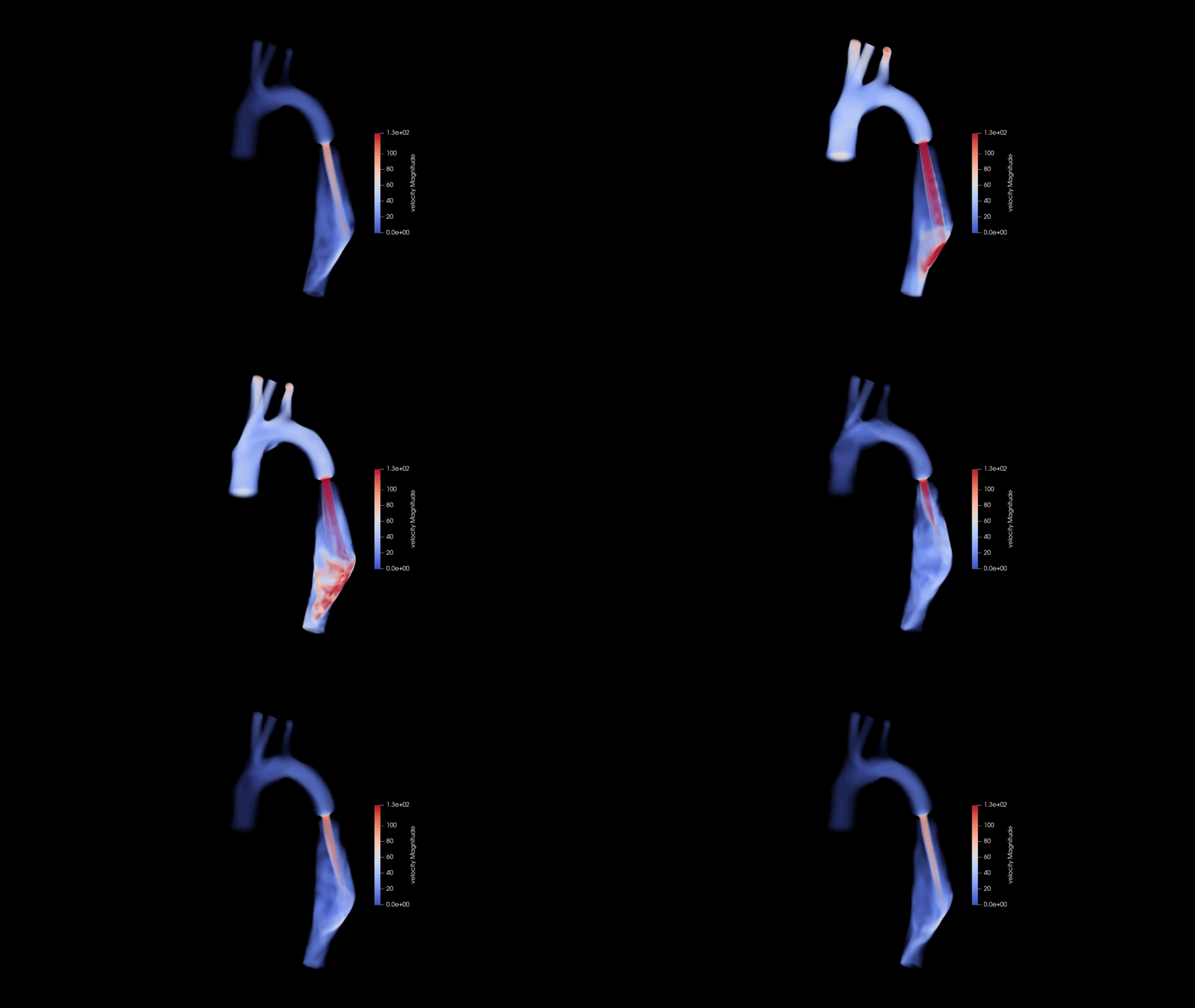
This lesson covers topics in fluid mechanics, CFD, and applying these topics to treat cardiovascular diseases. The lesson provides background knowledge on these topics, and an exercise that engages students by reviewing computer data from cardiovascular CFD simulations.
It starts with a 20 minute powerpoint lesson that covers the aforementioned topics, followed by time dedicated on working through the computer exercise with CFD data. There is an accompanying worksheet that guides students through the process of reviewing the data and interpreting it.
The computer exercise requires access to Windows or Mac computers, ideally with windows 10 software or newer. A free, open source software called ParaView is required to view the data for the exercise. The exercise files are linked on this page.
Lesson structure#
Before session
download ParaView software & print lesson files
During session
PowerPoint presentation (15-20 minutes)
Computer setup (5–10 minutes)
Interactive computer session (30–45 minutes)
Wrap-up (5 minutes)
Computer requirements#
Category |
Details |
|---|---|
Operating System |
Windows 10 or newer, MacOS 11 or newer |
Storage |
64 GB or greater |
RAM |
8 GB, ideally 16+ GB |
Software |
ParaView (v6, v5, or v4). Older versions work best for older computers |
Files#
Lesson plan#
Lesson powerpoint#
Computer files for Tutorial#
Download instructions for ParaView#
Printable Worksheet files#
Downloading worksheet software